
Microsoft 365 Copilot Adoption and Prompting Workshop
Your team has the licences, but is anyone using them? Confidence is low. Use cases are unclear. Leave with prompt packs that your staff use in real work.
What You Will Get
Prompting Habits That Stick
Simple patterns people use daily for stronger outputs.
A Prompt Library You Can Grow
Repeatable prompt guides that develop compounding skills.
Prompt Packs for Six Teams
Leadership, Sales, Marketing, Customer Service, Finance, Operations.
Half-day in-person session + pre-work. Supports up to 60 participants.
Post-event portal access to prompting resources.
Trusted by Teams At
In-person Microsoft 365 Copilot workshops delivered across New Zealand and Australia



Our Credentials
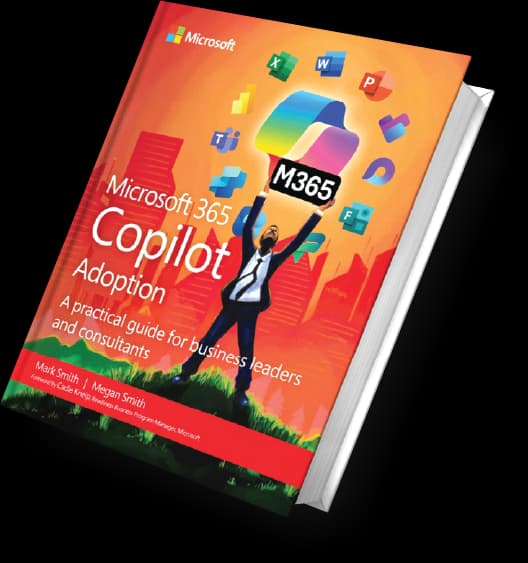
Co-authors of Microsoft 365 Copilot Adoption
Published by Microsoft Press. Real-world guidance on successful rollout.
Microsoft MVP-Led Facilitation
Mark Smith has been a Microsoft MVP since 2012, with specialisation in AI Platform adoption.
Built for Organisations with 10+ Staff
Workshops scale from 12 to 60 people across multiple departments simultaneously.
Why Copilot Adoption Stalls
Generic training leaves people without the skills they need to prompt effectively. Without hands-on practice and department-specific examples, teams resort to basic prompts and miss 80% of Copilot potential.
That is where a structured promptathon makes the difference. Your teams learn through direct practice, with prompts tailored to their actual workflows.
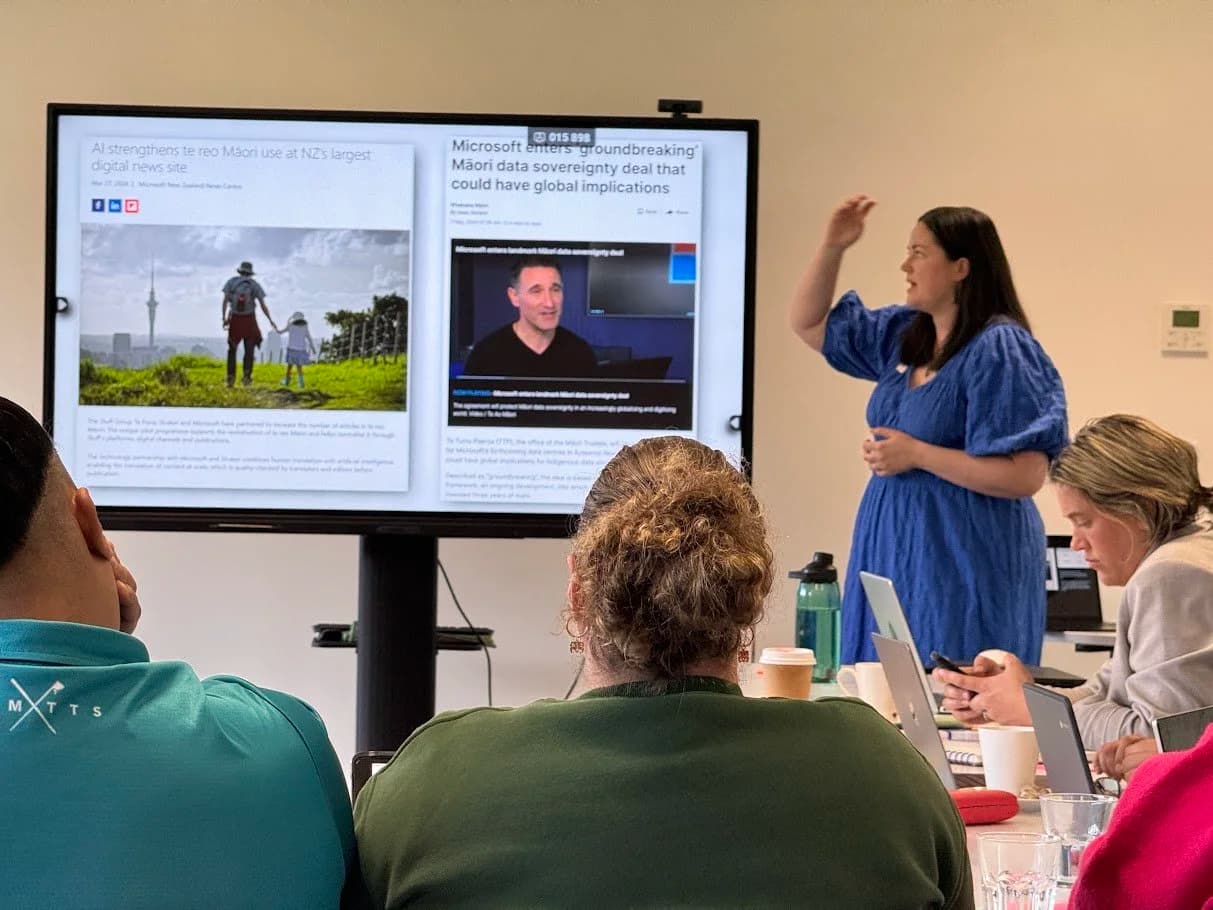
Get Hands-On with a Promptathon
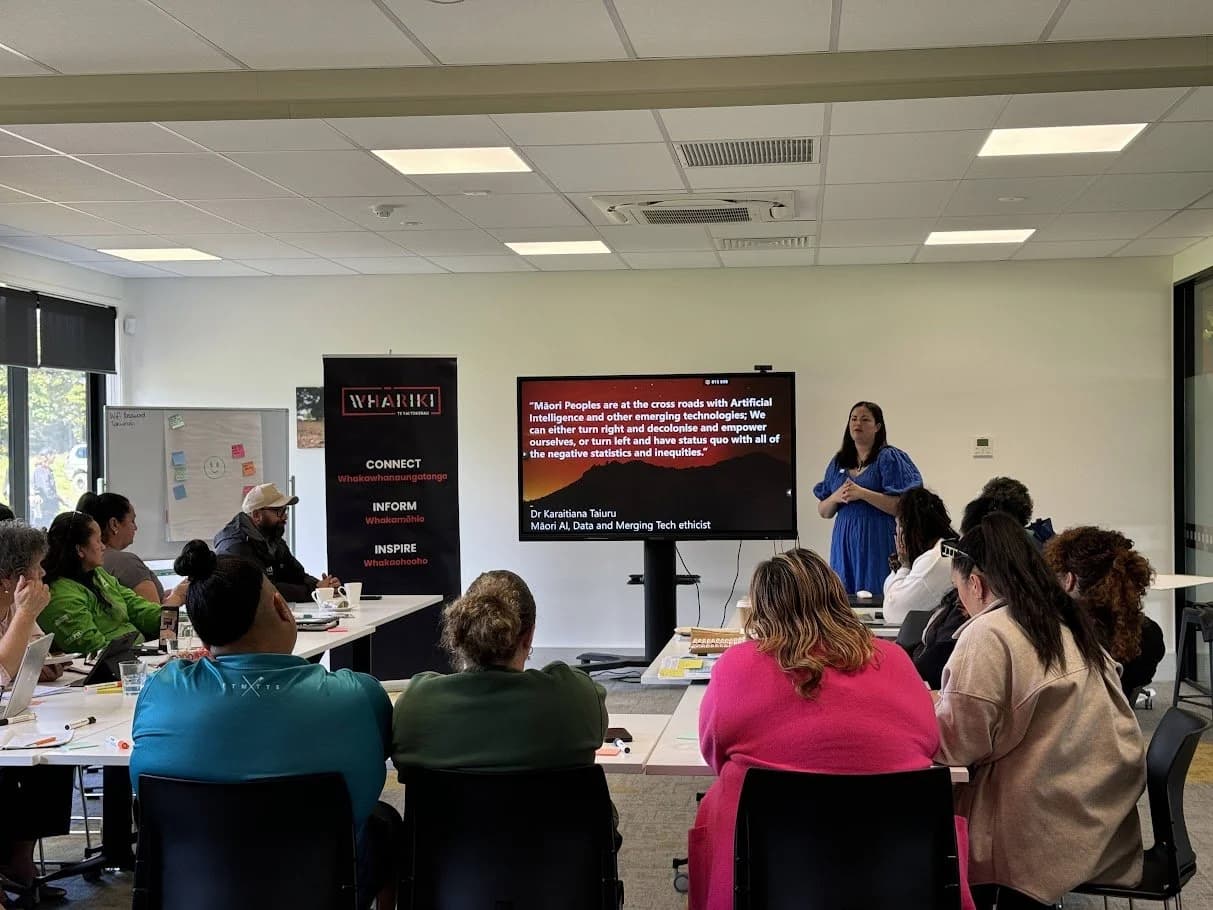
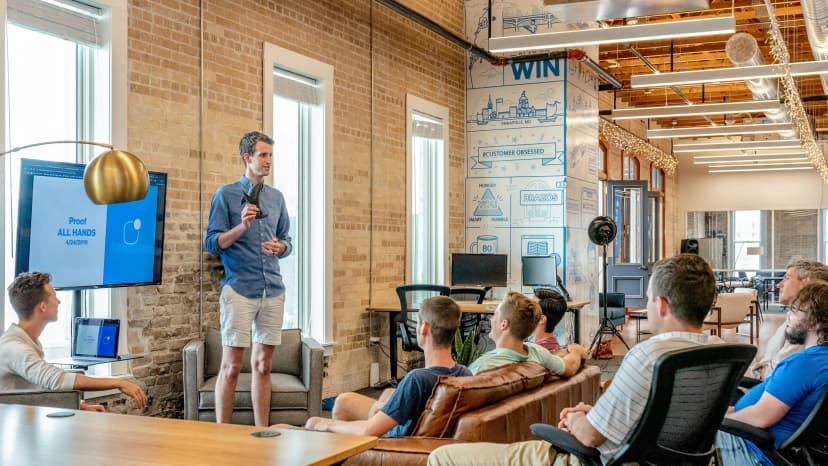
A promptathon is a structured workshop where your teams learn by doing. Half a day, multiple departments working in parallel, each with prompts tailored to their role.
Teams leave with:
- •A working prompt library they can immediately use
- •Muscle memory on how to write effective prompts
- •Confidence to experiment beyond what we teach
What You Will Leave With
Six department-specific prompt packs covering:
- •Leadership: Strategic planning, board prep, communication
- •Sales: Opportunity qualification, pitch prep, follow-up sequences
- •Marketing: Campaign briefs, content calendars, audience segmentation
- •Customer Service: Response templates, troubleshooting guides, tone refinement
- •Finance: Budget modelling, variance analysis, reporting templates
- •Operations: Process documentation, workflow optimisation, compliance checks
Department Coverage
Leadership

Sales

Marketing

Customer Service

Finance

Operations
Choose Your Track
Launch
First time rolling out Copilot to your organisation. Build momentum and fast early adoption.
Embed
You have rolled out, adoption is growing, and you need to deepen prompting skills across teams.
Accelerate
Deep dive into advanced prompting techniques. For teams already comfortable with the basics.
How It Works

Pre-work (2 weeks before)
We share the Copilot setup checklist, departmental context, and brief team survey. Your IT team confirms Copilot is enabled across Microsoft 365 apps.
Workshop (half day)
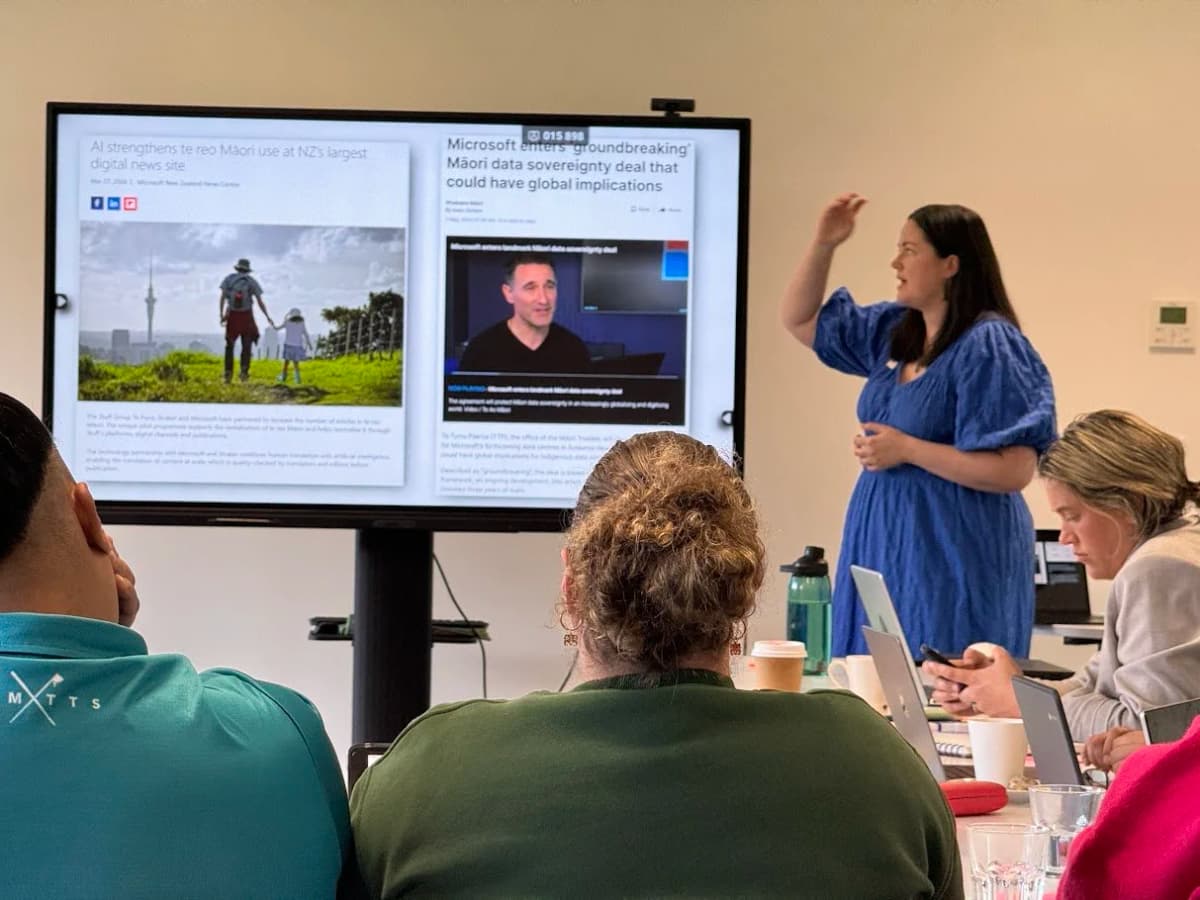
Teams gather by department. We run prompting drills, live Copilot demos, breakout sessions, and hands-on prompt building. Each team leaves with their own prompt pack.
Post-event (follow-up)
We provide a 90-day playbook with reinforcement prompts, usage tracking tips, and guidance on building sustained adoption momentum.
Half-Day Agenda
Measurement and ROI
We help you track three key measures:
- •Copilot adoption rate — Monthly active users, engagement by department
- •Prompting quality — Refinement rate, query length, model switches
- •Business impact — Time saved, quality improvements, team sentiment
Frequently Asked Questions
How many people can attend a single workshop?
We run workshops for teams of 12–60 people. Larger organisations can run multiple sessions by department or location.
Do you offer virtual workshops?
Workshops are designed for in-person delivery to maximise hands-on learning and interaction. We can discuss hybrid arrangements on a case-by-case basis.
What if our organisation has not rolled out Copilot yet?
That is fine. We can help with a pre-workshop enablement session. Your IT team will need to enable Copilot licences and confirm rollout dates.
How long does a promptathon last?
The main workshop is half a day (roughly 3 hours active time). Pre-work is light (survey + setup checklist), and post-event support spans 90 days.
What if departments have very different needs?
We design the workshop to be flexible. Each department gets its own breakout sessions tailored to their prompting challenges.
Do you provide the prompt packs in editable format?
Yes. All prompt packs are delivered as editable templates in Word and as a shared library. Teams can customise and grow them over time.
What if people use different Microsoft apps (Word, Excel, PowerPoint, Teams)?
The workshop covers prompting principles that apply across all Microsoft 365 apps, with app-specific demos in breakout sessions.
How do we measure success after the workshop?
We provide a 90-day measurement framework tracking adoption rate, prompting quality, and business impact. You can integrate this with your internal dashboards.
Can you run the workshop for external partners or suppliers?
Yes. We can run dedicated sessions for partner teams. Let us discuss scope and logistics.
What if we need ongoing support after the workshop?
We offer a Champions and Adoption Mentorship programme for teams wanting structured 3–12 month support. We can discuss this separately.
Work directly with the strategists
No hand-offs, no layers. You get senior guidance from day one.

Meg Smith
Digital Strategist
Meg makes complex concepts simple and helps people adopt technology in ways that are responsible, practical, and human-first.
Specialisations
- AI literacy and enablement
- Digital strategy
- Change and adoption
- Learning programmes and workshops

Mark Smith
Principal AI Strategist
Mark helps leaders design AI strategy, build low-code applications, and drive adoption using Microsoft AI, grounded in real workflows and outcomes.
Specialisations
- AI strategy
- Low-code application development
- AI adoption
- Microsoft AI
Enquire about a workshop
We can tailor workshops to meet your needs. Tell us about your team size, departments, and Copilot readiness.